

Prints Desktop
A native creative workspace for discovering images, finding your favourites and keeping the files you came for.
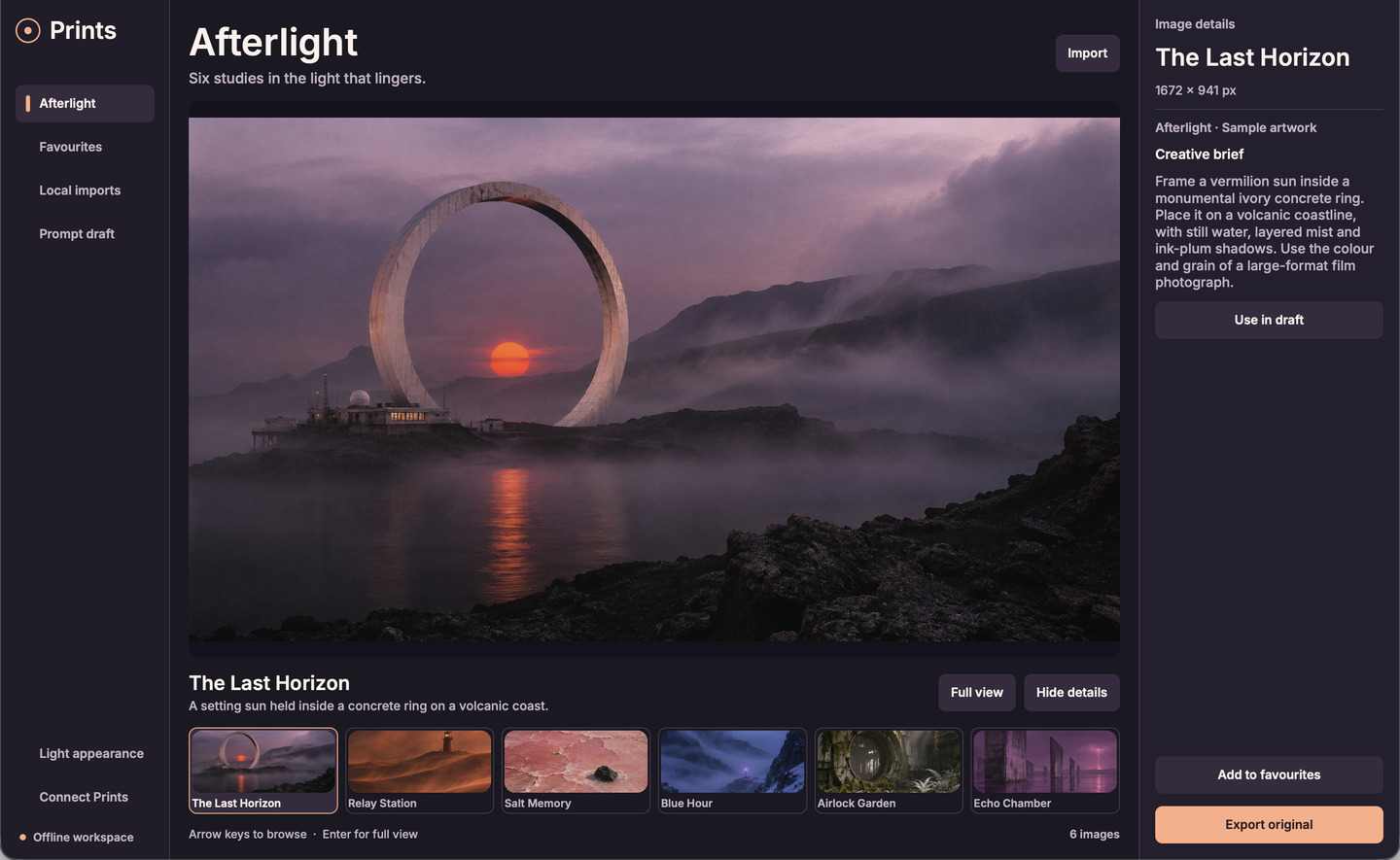
From contact sheet to full frame.
Open Afterlight on first launch. Pick a print, read its creative brief, and download the bundled JPEG through your system’s Save dialog.
Explore the sourceRun it on your Mac.
Download the ZIP, extract it and open Prints Desktop. The preview was verified on an Apple Silicon Mac.
Release notes and checksums- Install the preview
- The Apple Silicon package is ad-hoc signed and awaits Apple notarisation. macOS may block a copy downloaded from the web. See the release notes for verification and installation details.
- Explore without an account
- Afterlight and local image work stay on your device. Exploring the preview uses no Cloudflare resources or model credits.
- Run your own Prints setup
- Fungi publishes a guide to deploying Oyster and running Prints with Workers AI. Infrastructure, storage and inference depend on your setup. Read the upstream setup guide
- Preview scope
- Gallery, favourites, local imports, editable prompt drafts and original-file export are the preview focus. See the release for portable builds and their verification status. Hosted generation and job recovery are tracked in the build record.