
Depot and the feedback loop for coding agents
When agents can make changes in parallel, the next constraint is finding out what works. Depot shows how to put a real CI result in the loop before the pull request.

By Dean Lofts
An agent finishes a patch while the previous change is still waiting for CI. Another one fixes a bug. A third is reviewing code. You now have three changes in flight, and the answer you need is a fairly ordinary one. Which of them actually works?
In the film I use 30 seconds to write a feature and 20 minutes to check it as an illustration. The useful question is what happens when producing a candidate change gets cheaper than evaluating it. Depot started by making container builds faster. Its most interesting move since then is giving the person or agent holding a working tree direct access to the next useful test result.
Run the check while the change is still in front of you
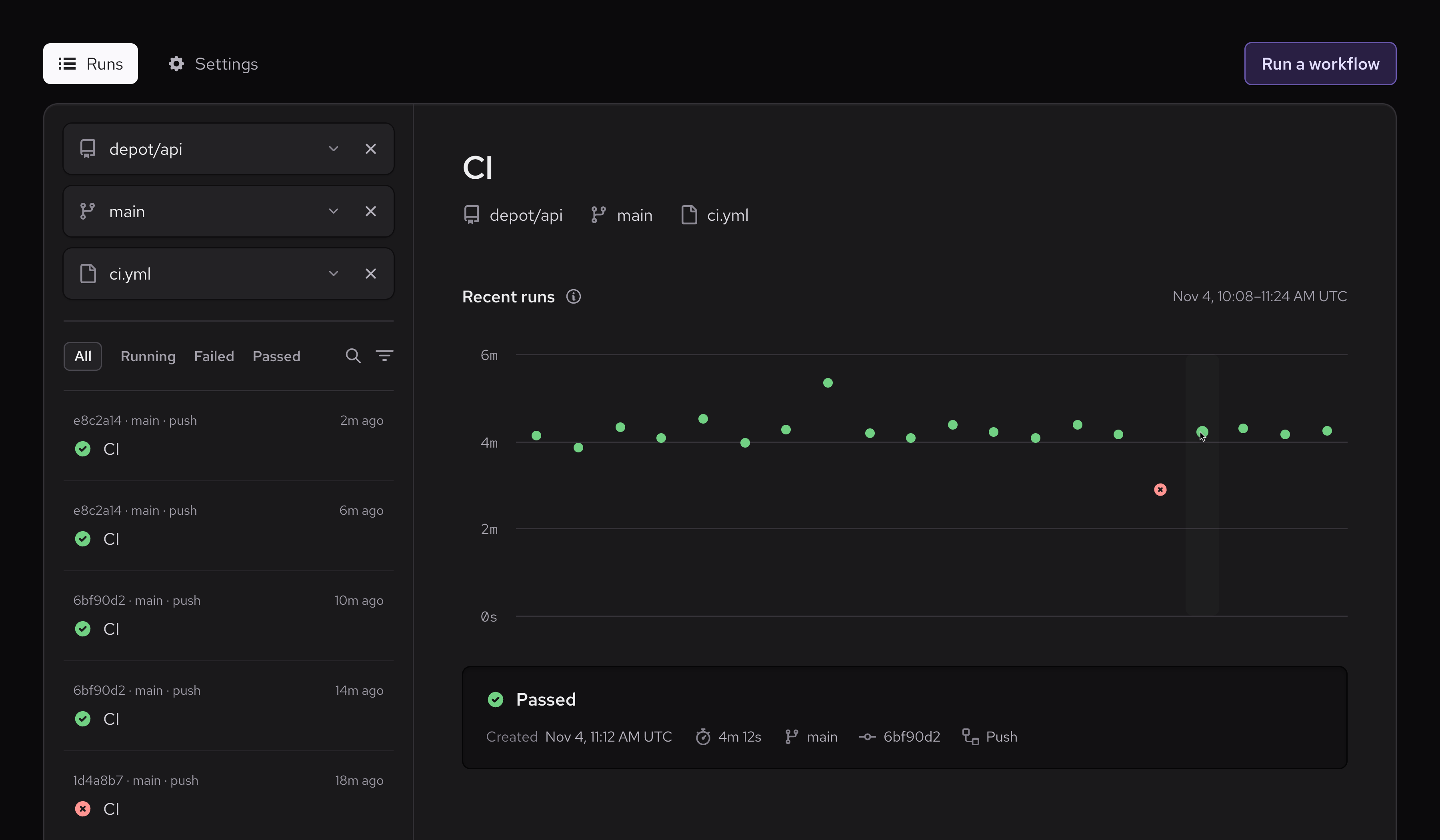
In a familiar GitHub Actions workflow, a push triggers CI. The result comes back after the patch has left the working tree, sometimes after the person or agent has started something else. Depot CI gives you another entry point. Once a repo and compatible workflow are configured, depot ci run can submit the check from the current working directory. Depot’s CLI describes the mechanism precisely. It uploads a patch to Depot Cache and applies it after checkout in the selected jobs. A local run errors if a reusable workflow in another repository checks out this code. Depot recommends pushing the change and testing that commit in that case. Depot CI quickstart · Working-tree and checkout behaviour
depot ci run \
  --workflow .depot/workflows/ci.yml \
  --job test
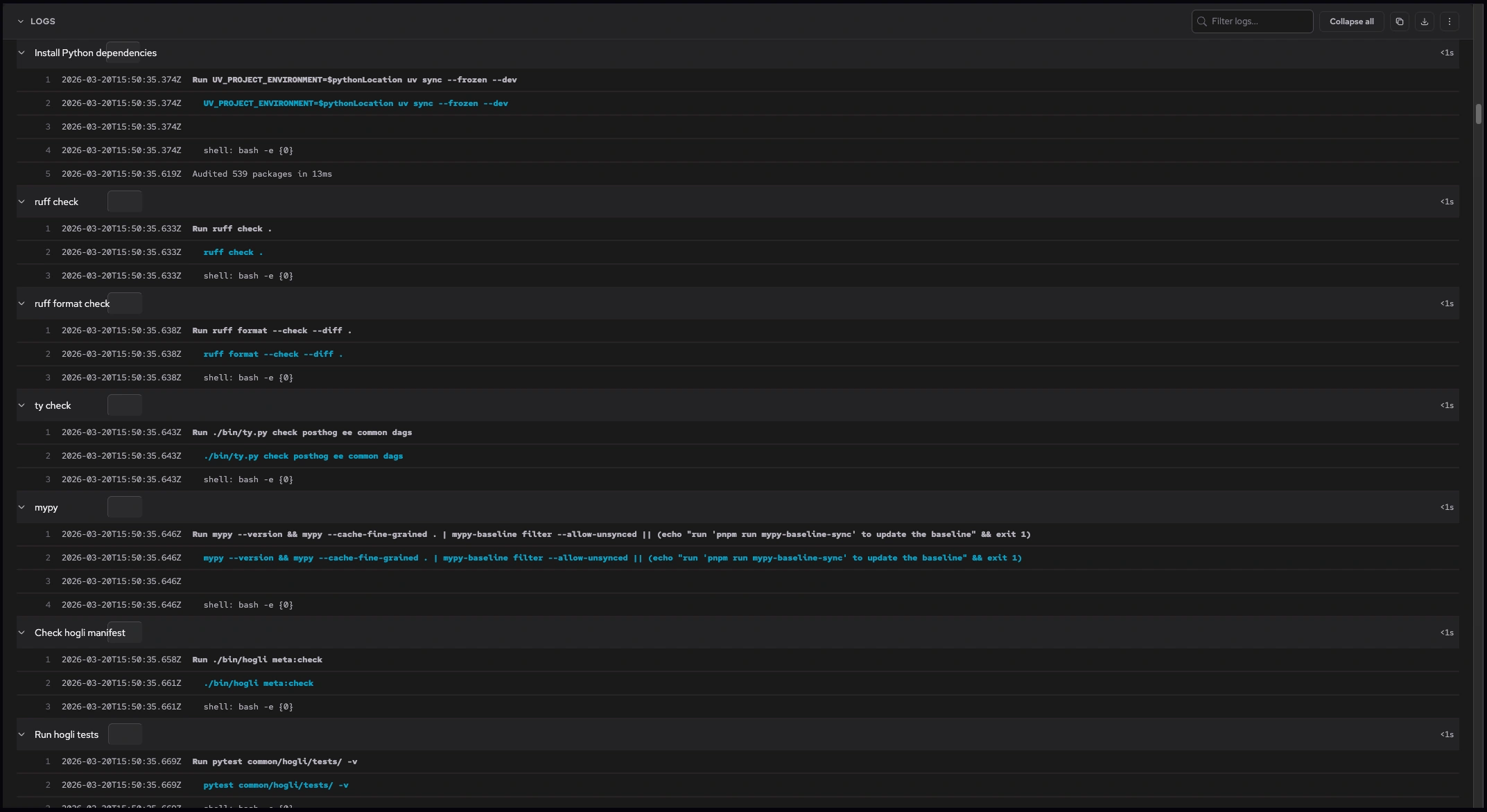
That changes what a coding agent can do with a failure. Give it one job, let it read the failing assertion, and ask it to make the smallest repair. Run the same job again and carry the run ID and relevant log lines into the review. A reviewer can inspect the change and the check together. The project’s usual required checks and release approval still apply. Depot’s coding agent loop guide
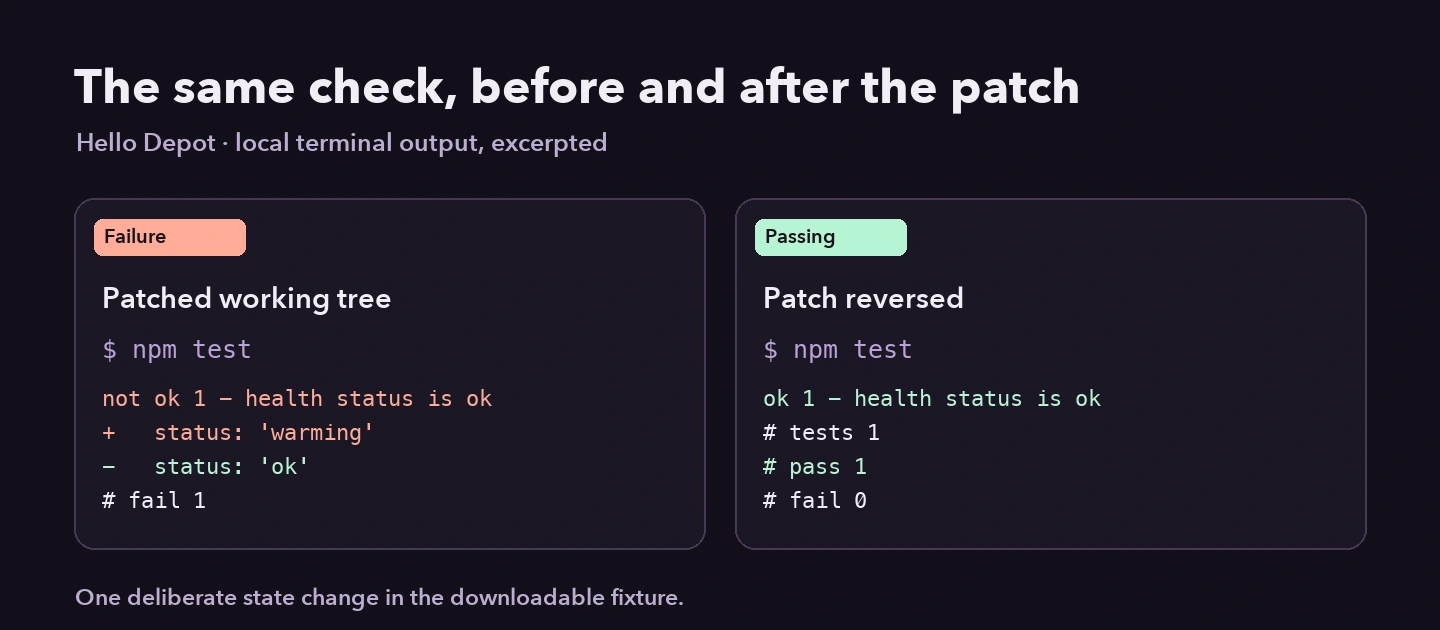
There’s a small example you can try here. Unzip Hello Depot, enter its directory and run npm test. Apply git apply failing-health.patch and run the test again. The expected state is ok and the patch returns warming. Reverse it with git apply -R failing-health.patch and rerun. I checked the pass, failure and recovery locally. The archive includes the Node test, Dockerfile and two CI workflows. Running the Depot version requires a configured demo repository and account.
Pick the layer where the wait happens
Container build. If you’re waiting on image builds, Depot sends the build context to remote BuildKit, preserves the project’s layer cache between builds and supports native x86 and Arm builds. You can keep the Dockerfile and start by changing the build command. Measure cold and warm runs separately. Container Builds docs
GitHub Actions runner. If the workflow itself is fine and jobs spend too long starting or executing, try changing one job’s runner label after connecting Depot. GitHub continues to schedule the workflow, and Depot supplies the runner. Depot’s runner and CI comparison
CI orchestration. If the workflow needs to run from an unpushed working tree, Depot CI gives you the workflow engine, Linux sandbox and run controls. It accepts GitHub Actions YAML with documented differences. Start by migrating one simple job and leave required checks in place while you compare the results. Depot CI and compatibility
The infrastructure underneath matters for short jobs and parallel sessions. Depot says CI and Sandboxes run on Depot Metal, which uses microVMs on bare-metal AWS EC2 with a separate storage tier backed by local NVMe SSDs and S3. Managed Agents connects supported providers to that sandbox infrastructure. The Sandbox SDK gives custom tools direct access to isolated Linux environments. Depot Code, Registry and Cache can cover more of the path, from Git to images to reusable build outputs, as each becomes useful. Depot Metal architecture · Managed Agents · Sandbox SDK · Product directory
What the PostHog number tells us
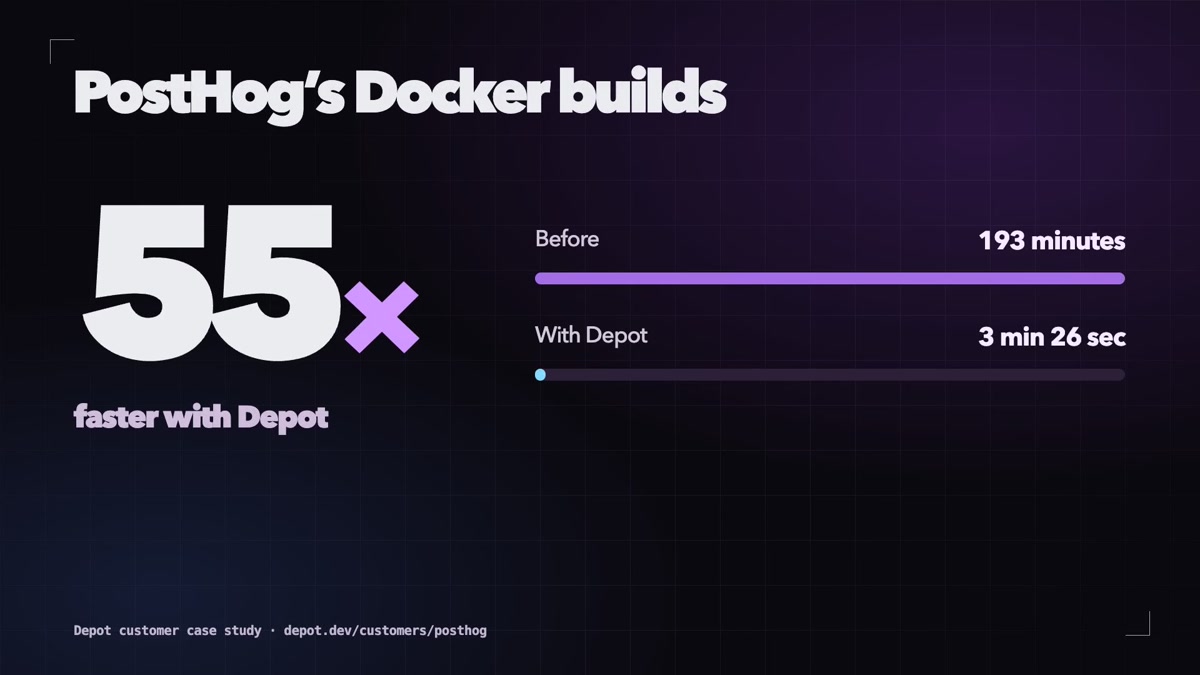
Depot’s PostHog case study reports a Docker build falling from 193 minutes to 3 minutes 26 seconds, which Depot describes as 55× faster. That’s a named customer result. Depot also publishes a side-by-side PostHog benchmark with Docker build caching enabled and results for individual commits. It gives you a chance to see how the gap varies between runs. PostHog case study · Live benchmark and method
I’d measure time until the first useful result for one representative workflow. Record queue time, image or dependency setup, and execution time for the same commit and hardware class. Keep cold and warm results separate, then track review time, deployment failures and rework after the change. A quicker check matters when it helps people decide earlier with the same confidence. Depot observability docs · DORA’s delivery metrics
The evidence on AI productivity is a reason to measure locally. DORA’s 2025 research describes AI as amplifying the strengths and weaknesses of an organisation’s delivery system. METR’s early-2025 experiment found experienced open-source developers took 19% longer with the tools tested on their own repositories. Its 2026 follow-up explains why selection effects made the later experiment a weak estimate of the current speedup. Those studies answer different questions. Neither gives a conversion rate from more generated code to more reliable releases. DORA’s 2025 report · METR’s original study · METR’s follow-up
What I’d want this to look like in App Composer
In our Cloudflare app rehearsal, the useful question was whether somebody could start with the example, make a change, and take the result far enough to check it from the outside. App Composer’s job is to help someone get from an idea to software they can inspect and run in accounts they control. Independent apps keep their own source, data, permissions and release decisions. App Composer’s product direction · Verified App Composer releases
Imagine someone adapting the Creator Hub example. Their agent changes a validation rule. A check runs against that exact patch in an environment with the project’s dependencies. Composer shows what ran, the result, and the links to the diff and logs. The person can see what changed, replay the check, and decide when to ship. Depot CI is one possible execution backend for that workflow. This is a design I’d like to test, and the article’s runnable example uses a local fixture.
The seam I care about is the evidence that survives the session. Keep the source revision or working-tree patch, the workflow and job, the result, and the link to the logs. Treat an isolated sandbox, its role, its repository access and its MCP tools as separate choices. Depot documents read-only API settings and scoped provider connections for Managed Agents. A workflow that needs to read a failed assertion can use a much narrower grant than the one that promotes a release. Managed Agents permissions · Shared MCP configuration
Start with one repo and one check people already wait for. See how quickly someone can make a change, get an answer they trust, and explain that answer to the next person. If the evidence is clear, the agent that wrote the patch can keep working and the person who owns the release can make the call.