
 Full size
Prints Desktop · The Darkroom
Loftwah · Made with ImageGen
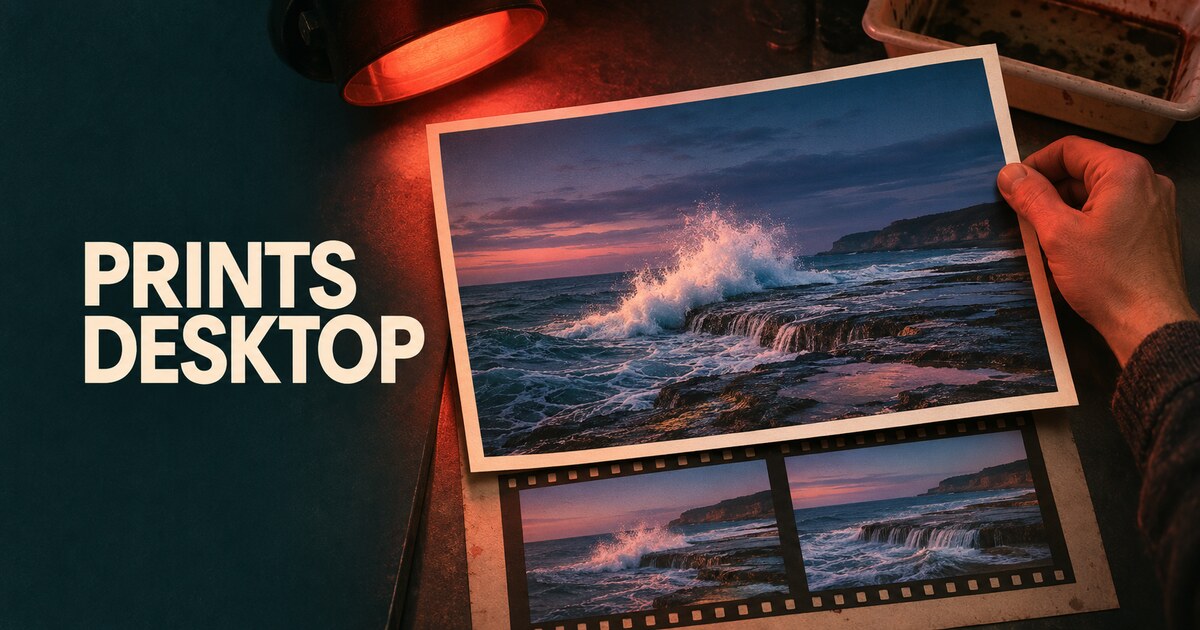
The Prints Desktop campaign image catches the moment a photographer picks the frame to keep.
Private feedback is for invited collaborators. Invited sign-in
Source and project kits
Visit project Project share kit Source record Prepare in Share calendar (invited access) Download post text (TXT) Download post brief (JSON)
Workspace owners can review the artwork before confirming reuse in Calendar.
Use in Media Studio
Download the draft post brief (JSON) to include the caption and alt text in your social kit.
Choose Load Composer artwork. Under Add post text, choose Fill from Composer post brief (JSON). Review the text and reuse rights for your crop, then choose Make 4 social sizes.
You can also work from a downloaded file.
- Download original to your device.
- In Image Tools, add the file and choose Make 4 social sizes, then download the ZIP.
- Keep the credited post text (TXT) with your crops. It includes the artwork link and image alt text.
Image Tools also resizes, crops and converts files in your browser. Check the source record before reusing the artwork.
To use this image in a Studio project, download it and upload the file through the project’s Library.
Open Media Studio