
Three workflows, before and after
Follow an artwork note back to its Inbox thread, inspect a 512-pixel Studio export, and reopen a comparison choice in Prints Desktop.
Find the artwork again after feedback
Share already had quick likes and private notes. On the artwork page those controls followed downloads and ranking information. They now sit beside the artwork title. The preview gives the administrator a direct link to the contextual form.
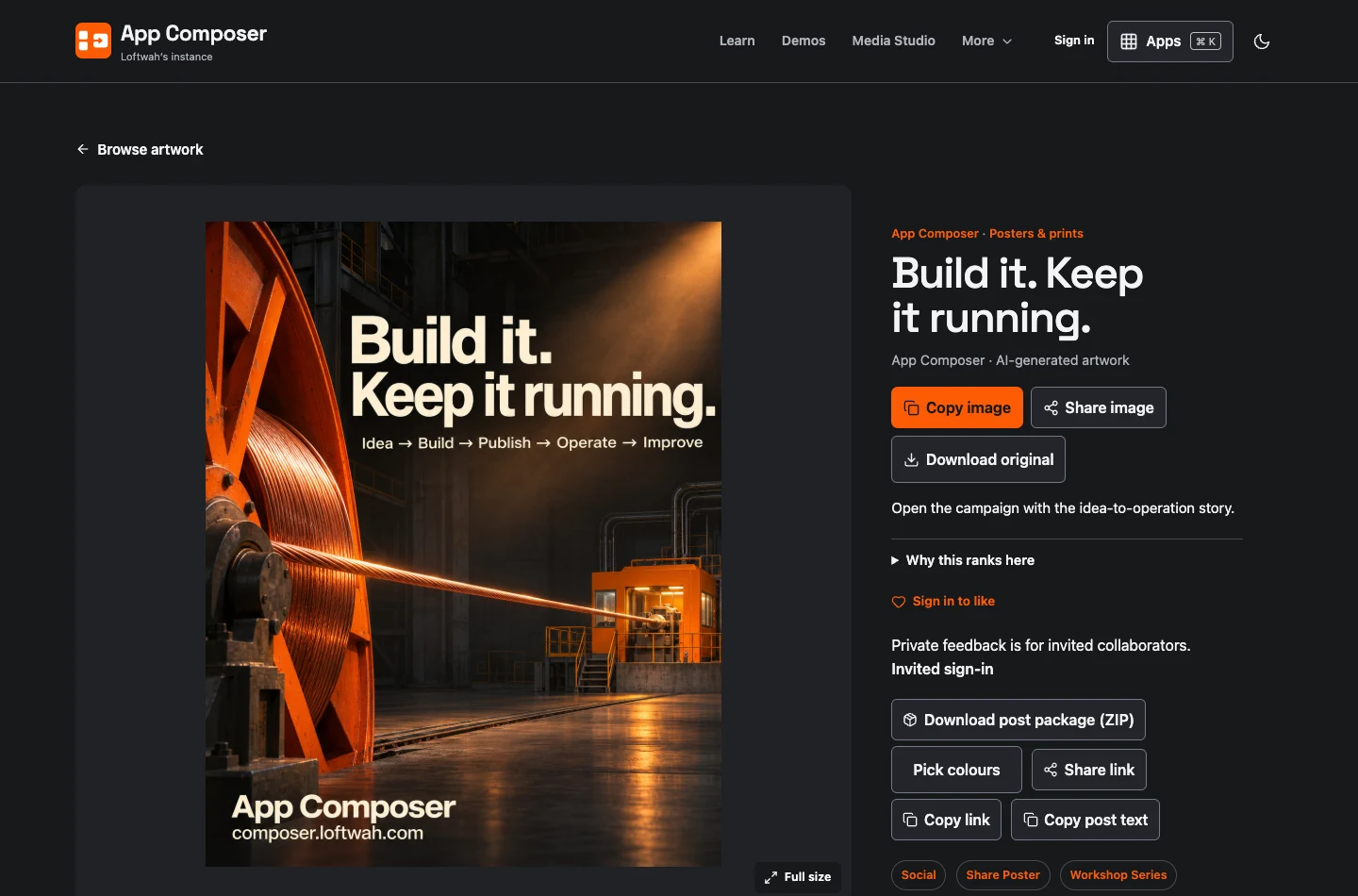
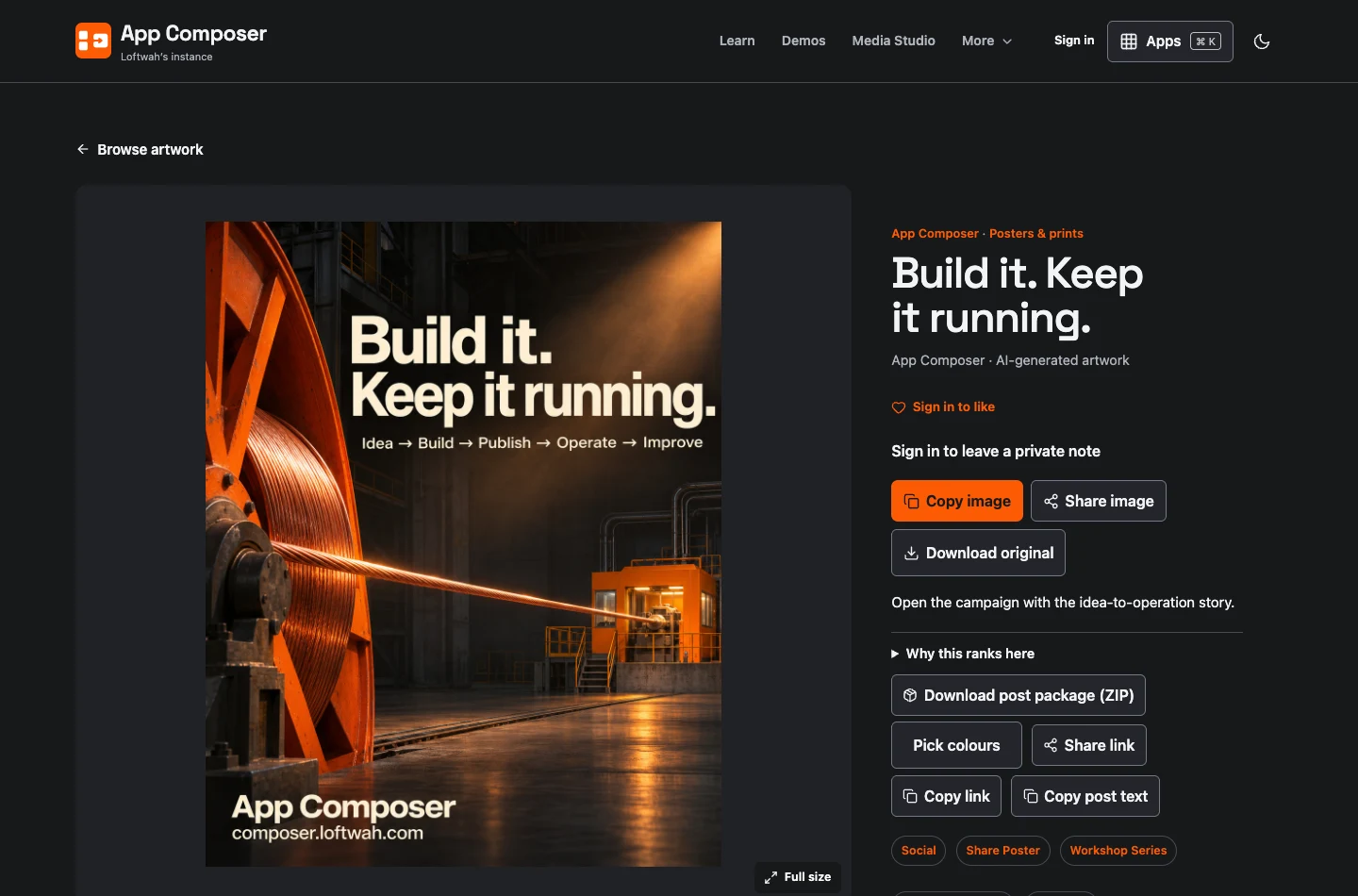
In signed-in Chrome, the same verification note reopened after Inbox reload. Closing the original preview restored the “Build it” search and moved keyboard focus back to the artwork. The signed-out page kept the note’s return anchor in the sign-in link.
We compared eight design studies with the existing artwork detail. Clef’s phone finalist result changed when the image order was reversed. The release keeps the existing artwork stage and moves the feedback controls. The comparison covers this artwork detail. Real use still decides whether the placement works for you.
Inspect the file at its output size
With the Workshop poster cropped to a 512 × 512 square, the old fitted phone preview showed 326 pixels across. Actual output pixels shows all 512 CSS pixels in a scrollable preview. On the same 390-pixel-wide replay, the download row moved from 8,336 to 2,523 pixels below the top of the document.
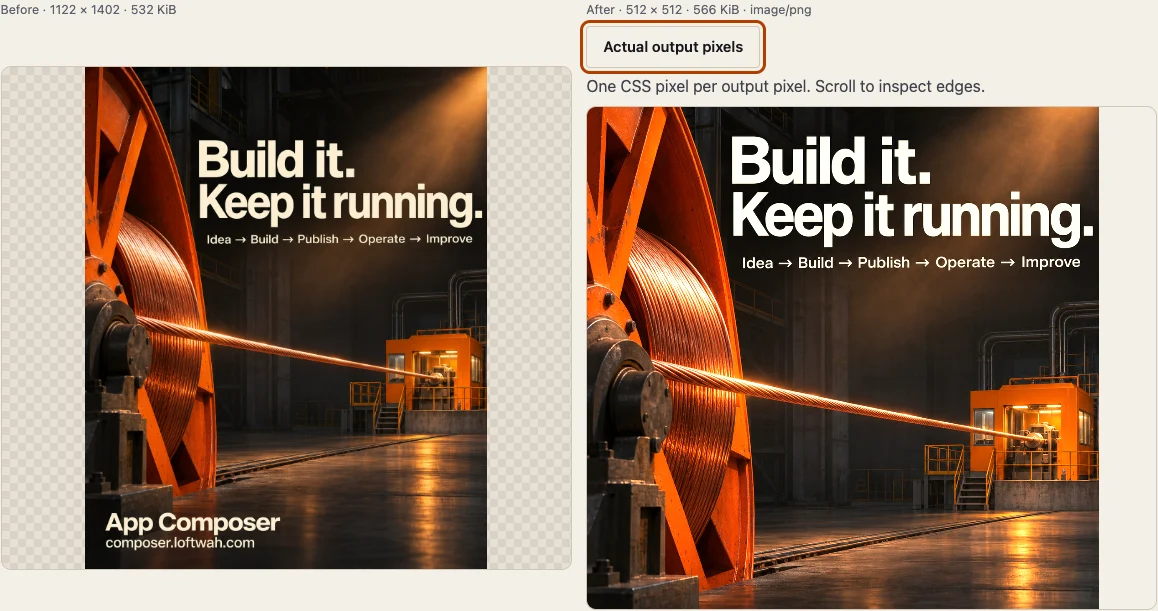
We downloaded the corrected PNG, opened it outside Studio, used it as a new input and downloaded a revision. Both 512 × 512 PNGs matched the baseline file bytes. The image stayed on the device.
Keep the reason with the comparison
A shortlist could keep the cover, while the reason for choosing it sat in a separate draft. In the Apple Silicon preview, comparison notes save the exact pair, purpose and reason. The draft can reopen the same comparison or open the selected original.
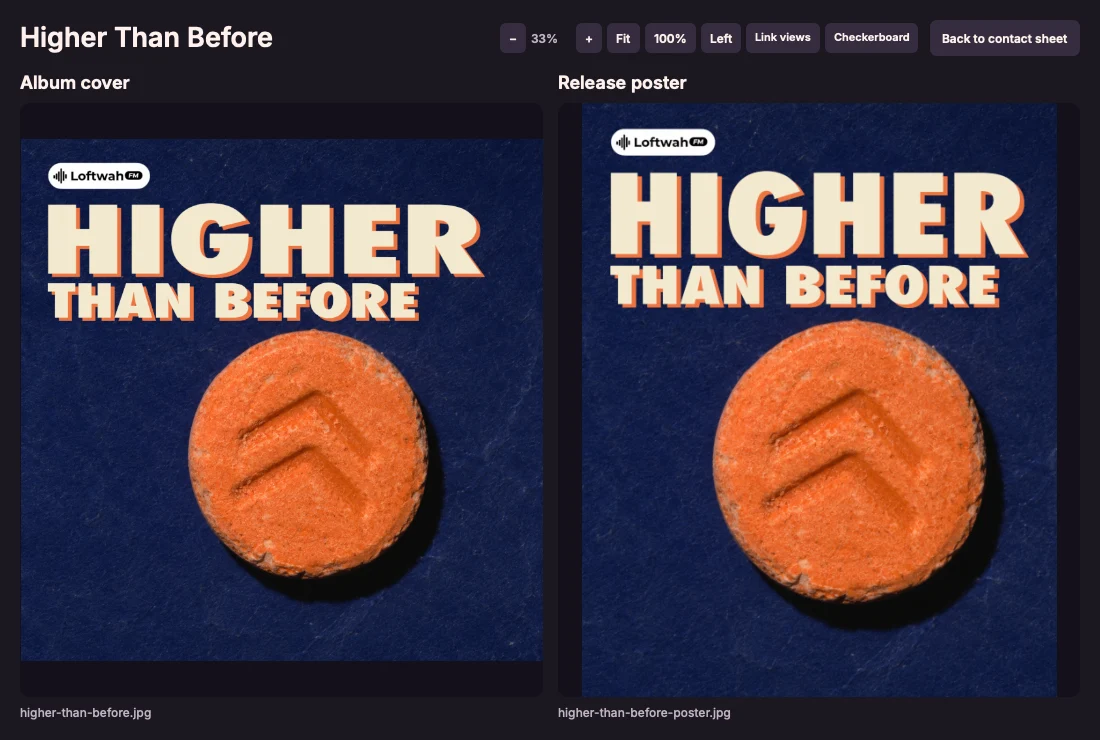
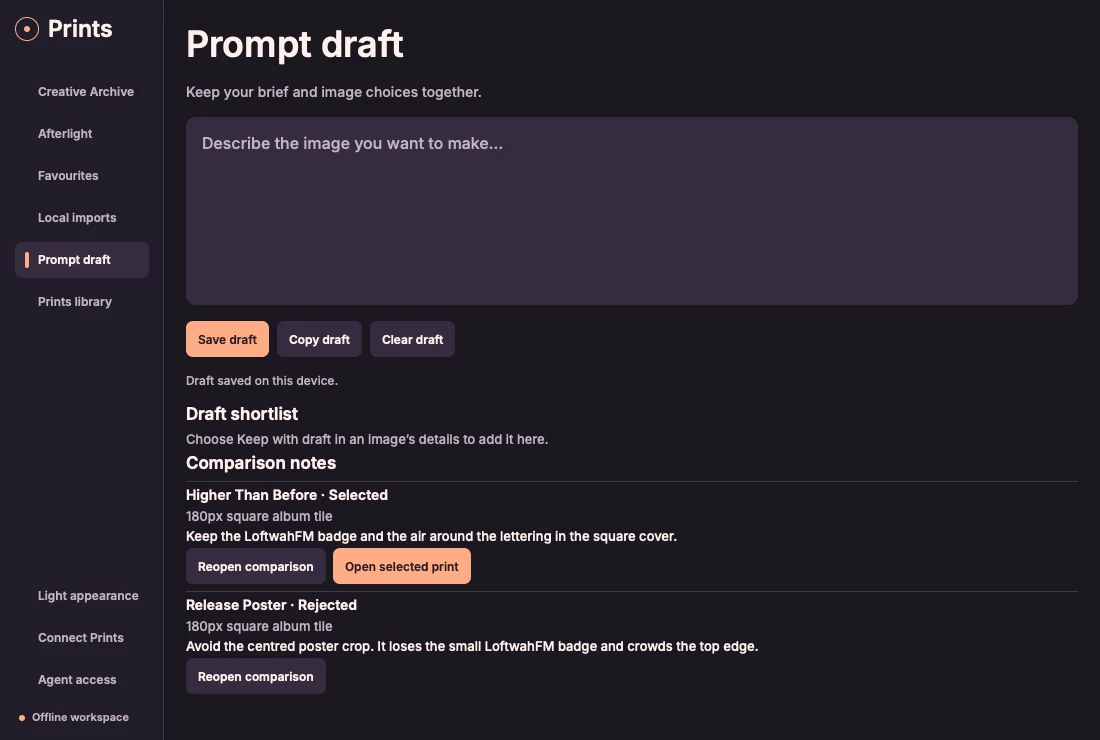
We compared the editions in a 180-point square, chose the cover for its badge and spacing, and reopened the saved draft. The exported cover matched all 644,789 original bytes. A separate local agent session read the saved reasons and selected the cover by its retained ID.