
A form shouldn’t need a printer and scanner.
Paperwork handles the everyday PDF job in one editor. Fill the fields, draw, type on the page and place your signature. Download or print the completed document.
Documents and signatures stay in your browser. No account, upload, document analytics or cloud storage.
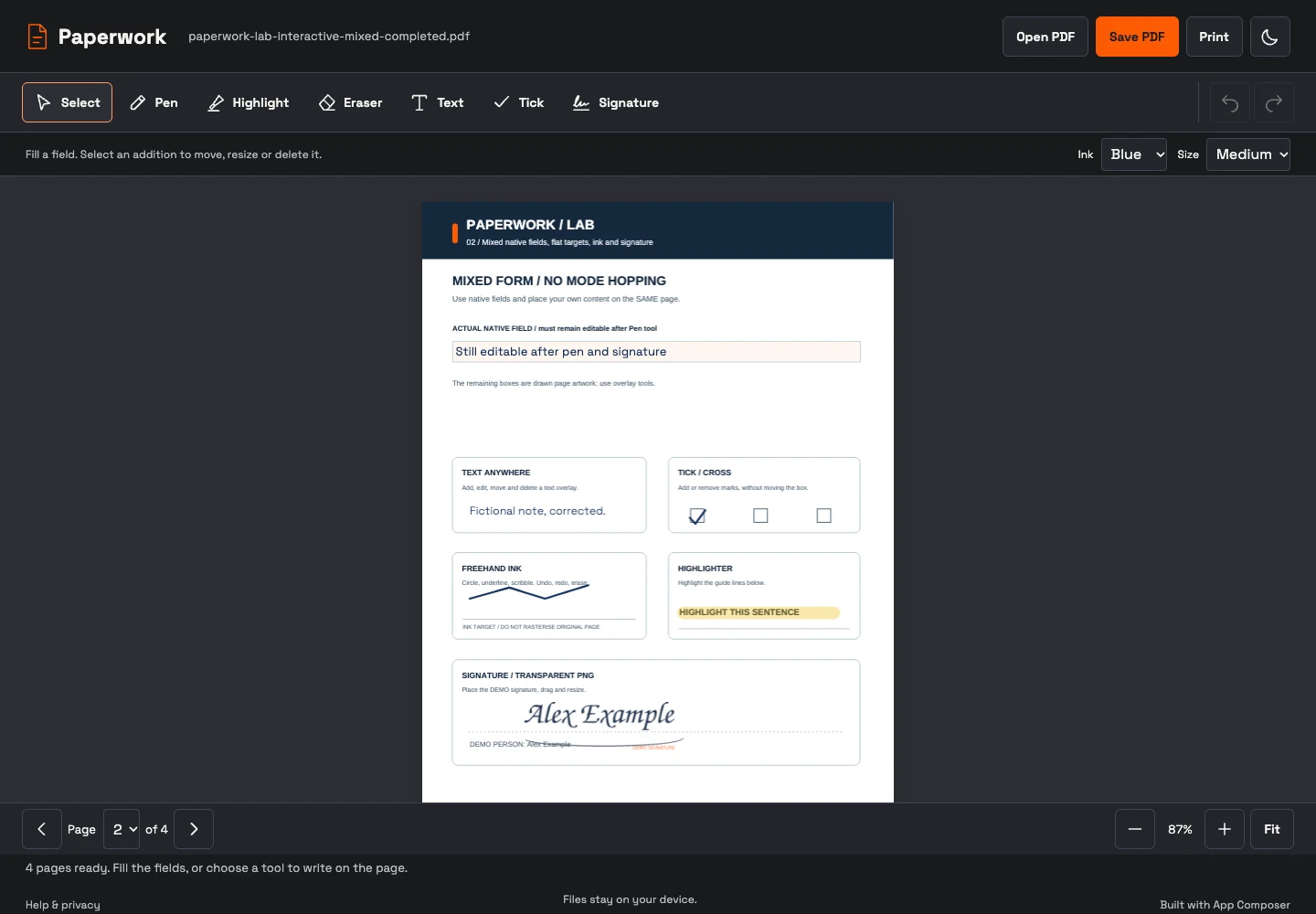
One document. One editor. One finished PDF.
Use the PDF’s own text fields, multiline answers, checkboxes, radio buttons, dropdowns and lists. Use Text or Tick on printed boxes. Pen and Highlighter work alongside fields; Eraser, Undo and Redo correct your additions. Import a transparent PNG signature, move it and resize it, or sign with Pen.
Save preserves the original page content and native form values. Print prepares that completed PDF. You can continue correcting additions in the current session; exported additions become normal page content.
Ordinary PDFs up to 30 MB and 100 pages. Password-protected, XFA and already certificate-signed documents are refused. The bundled font supports Latin and extended Latin. Help and compatibility.
An independent app you can reproduce.
Paperwork owns its source, interface, PDF libraries and static deployment. Composer makes it discoverable and supplies a portable title, introduction and theme specification through Init. No Composer login or service binding is needed to finish a document.
Reviewed source: a57f4acbf3c18756f34965183c8a93725bee4871. Contract 1 · static assets · no document data capabilities. The reproduction command prepares a new local project; deployment uses its own reviewed target.
Inspect a finished document.
The four-page fictional lab form was filled, drawn on and signed through the served editor. Its downloaded output preserves native values, page geometry, original scan pixels and the transparent demo signature.
Open the completed fictional PDF · Read the acceptance record