
App Composer for designers and agencies.
All roles and jobsChoose by the job you need done
Make the identity work in the finished product.
Compose branded assets, inspect the actual files and hand over a configurable project. Keep the artwork and client choices editable.
What works now, and what needs your setup
Asset composition runs locally in the browser. Package adoption is an explicit reviewed handoff; it does not publish a client site. Client accounts, membership and production release follow their own project permissions.
Device support not checked yet
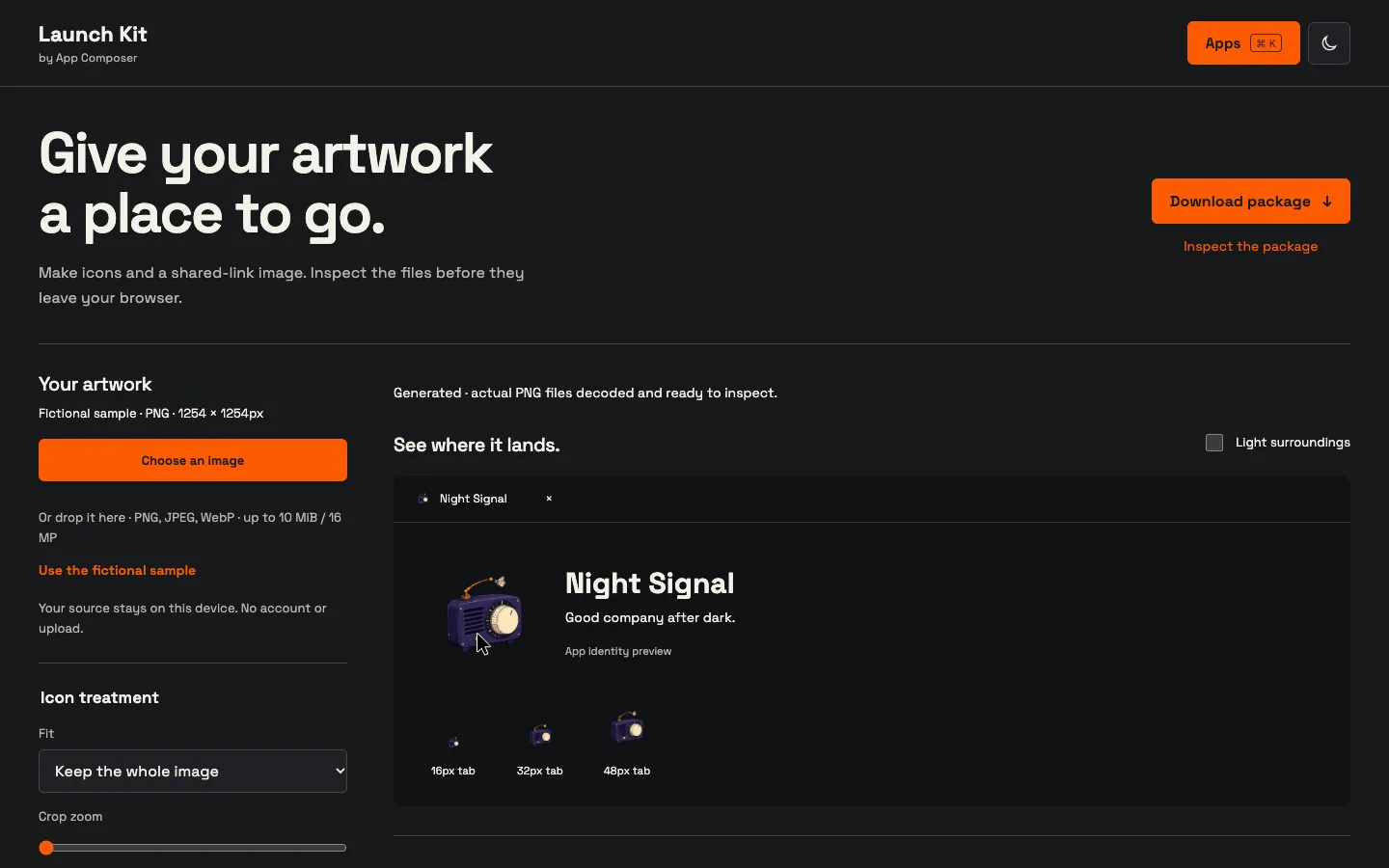
The actual editor prepares icons, PWA assets and social images. Use the fictional sample or artwork you are permitted to use.
Actual capture · 2026-10-23 · composer-launch-kit.loftwah.workers.devFrom this example to your own project
Compose the identity
Choose artwork, text, crop and colour in the working editor.
Review its adoption
Inspect the package and preserve the existing Init draft before replacement.
Check the result you share
Inspect served icons, metadata and social artwork with Link Check.
Role names are starting points. Choose another job, browse all apps or return to App Composer.