
App Composer for small business owners.
All roles and jobsChoose by the job you need done
Publish the page. Keep up with the work.
Start with a useful public page and decide which enquiries belong in your private owner workspace. Keep the content and the follow-up together.
What works now, and what needs your setup
The example is fictional. Private enquiries are a bounded no-contact brief workflow; the owner must enable a form for its publication. Email notifications, replies and delivery are not yet supported. This walkthrough does not submit a lead or create a customer account.
Device support not checked yet
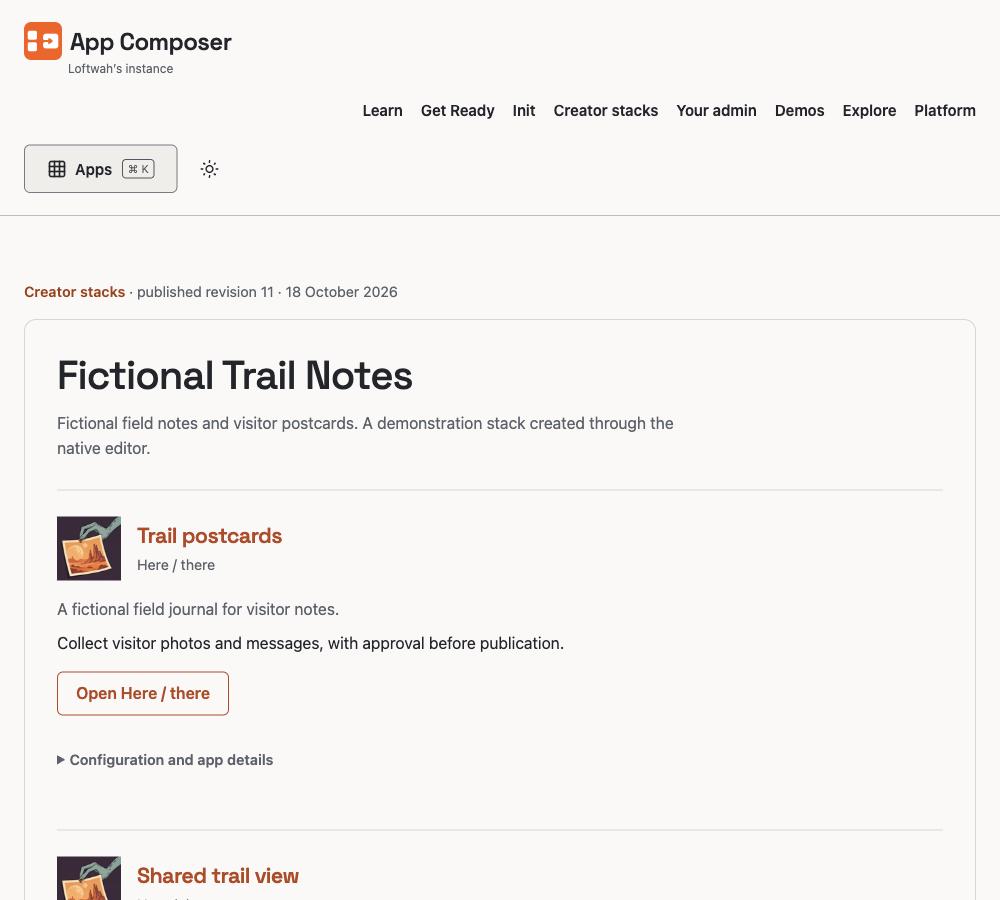
Fictional Trail Notes is a published stack made in the native editor. The owner walkthrough explains the separately protected enquiry Inbox.
Actual capture · 2026-10-22 · composer.loftwah.comFrom this example to your own project
Describe the page and form
Try the maintained content models and their generated form.
See the owner journey
Review how app-owned briefs reach the protected Inbox.
Prepare your project
Give your agent one portable setup guide for your existing stack.
Role names are starting points. Choose another job, browse all apps or return to App Composer.